Quick diagnosis
| Symptom | Check first | Likely fix |
|---|---|---|
| Engine temperature climbing | Radiator, coolant, oil | Stop, let it cool, fit/repair the radiator, add oil |
| Car will not start | Battery, fuel, handbrake/gear | Charge/replace battery, add fuel, release the brake |
| Car pulls or slides | Tires, load weight | Fit winter tires, move heavy cargo low/forward |
| Part broken after a crash | The part itself | Replace it from a donor car or craft/repair at a bench |
| Car stuck in rocks/snow | No unstuck button in the demo | Try reversing, rocking, or reload a save; report to the developer with the save file |
Engine overheating: the radiator is the first suspect
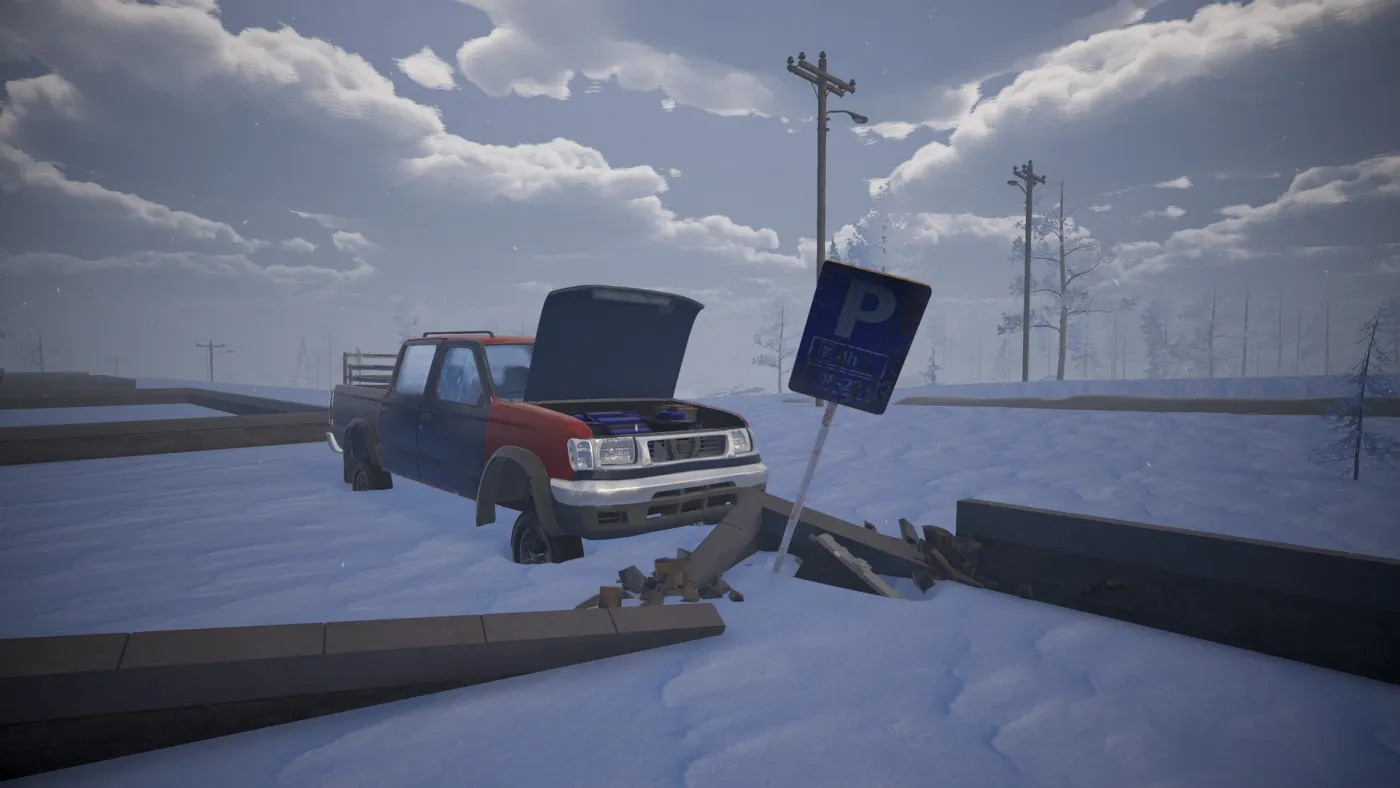
The demo’s engine bay shows an oil level, a radiator and a battery. The community playthrough had the engine overheat at 16:41 after driving without a radiator. The temperature gauge climbs before the engine dies; if you see it rising:
- Stop and let the engine cool.
- Check the radiator — is it fitted? Is it damaged?
- Check the oil — low oil makes overheating worse.
- Do not keep driving to the next POI; a cooked engine can end the run.
Battery and no-start
The battery starts the car and runs the heater. If the car clicks or does not turn over:
- Check the battery in the engine bay.
- Check the fuel gauge; a full battery with no fuel is still a no-start.
- Check the handbrake/gear; the car will not move if the brake is on.
- If the battery is low, turn off the heater and drive to charge it; the community playthrough shows the battery charging while driving at 17:27–17:37.
Repair kits and costs
The official workbench screenshot shows these recipes and costs (gear/scrap resource):
| Recipe | Cost | What it is for |
|---|---|---|
| Old Flashlight | 25 | Light for night/indoors |
| Cargo Box | 35 | Extra storage |
| Flare Gun | 60 | Emergency air drop / signal |
| Good Repair Kit | 100 | Standard repair |
| Good Sledgehammer | 120 | Salvage/repair tool |
| Awesome Repair Kit | 200 | Stronger repair |
| Excellent Sledgehammer | 200 | Stronger salvage/repair tool |
That screenshot is one moment from the demo build (the workbench showed Tier 6 and the resource counters were 80 gear / 0 leaf / 0 flask). Treat the numbers as a guide, not a promise for Early Access.
How to repair
- Find a workbench. A working generator with a recycler and crafting bench is the safe stop; the demo’s POIs can have one.
- Recycle junk into scrap. Empty boxes, broken parts and scrap metal become materials.
- Craft the repair kit you can afford. A Good Repair Kit (100) is usually enough for a standard repair; an Awesome Repair Kit (200) is for the bad ones.
- Use the kit on the damaged part. The demo shows part replacement and repair; the exact prompt depends on the part.
- Replace deformed parts with donor parts from wrecks when a kit is not enough.
Prevention
- Carry a Good Repair Kit before a long stretch.
- Check the radiator, oil and battery at every stop.
- Do not overload the car; weight damages the suspension and burns fuel.
- Fit winter tires; summer tires on ice are a crash waiting to happen.
- In co-op, keep one player as the repairer with the kit and spare parts.