No map: what you actually get
The demo’s store page is explicit: “A long road with no map.” You get:
- A compass at the top of the screen (N/E/S/W).
- The road and whatever buildings you can see from it.
- Your own memory of landmarks and turns.
There is no minimap, no quest marker and no fast travel. If you drive past a gas station, note the direction — you may need to come back.
How to navigate without getting lost
- Pick a direction and stick to the road. The compass is for orientation, not a route.
- Note landmarks — a wreck, a watchtower, a distinctive tree line, a sign.
- Stop at every building you can see. POIs are meant to be visible from the road.
- Do not take off-road shortcuts. The snow hides rocks; the demo has no unstuck button.
- Turn back before the fuel gauge is empty. The next POI is not guaranteed.
- In co-op, one player is the navigator. The driver watches the road; the navigator watches the compass and landmarks.
POIs seen in the demo
| POI | Why stop | What to look for |
|---|---|---|
| Cabin | Warmth, food, clothes, a bed | Food, water, clothes, a stove, sometimes a car part |
| Gas station | Fuel | Pumps, jerry cans, a store, sometimes a workbench |
| Store / mall | Food, clothes, recyclables | Shelves, boxes, shopping carts (physical objects) |
| Watchtower | Viewpoint / loot | A high vantage point; sometimes supplies |
| Airplane wreck | Loot | Cargo, a box that can be opened, parts |
| Factory / ruined building | Workbench / recycler | A generator, recycler, crafting bench, scrap |
| Barn / shack | Shelter / parts | Tools, scrap, sometimes a vehicle part |
The procedural generation means the exact layout changes every run; treat this as a list of POI types, not fixed locations.
50+ locations in Early Access
The developers say Early Access will have 50+ locations, more vehicles and a longer scenario. That should make the no-map design more interesting — and more punishing if you drive past a stop. The same navigation habits apply: road, compass, landmarks, fuel.
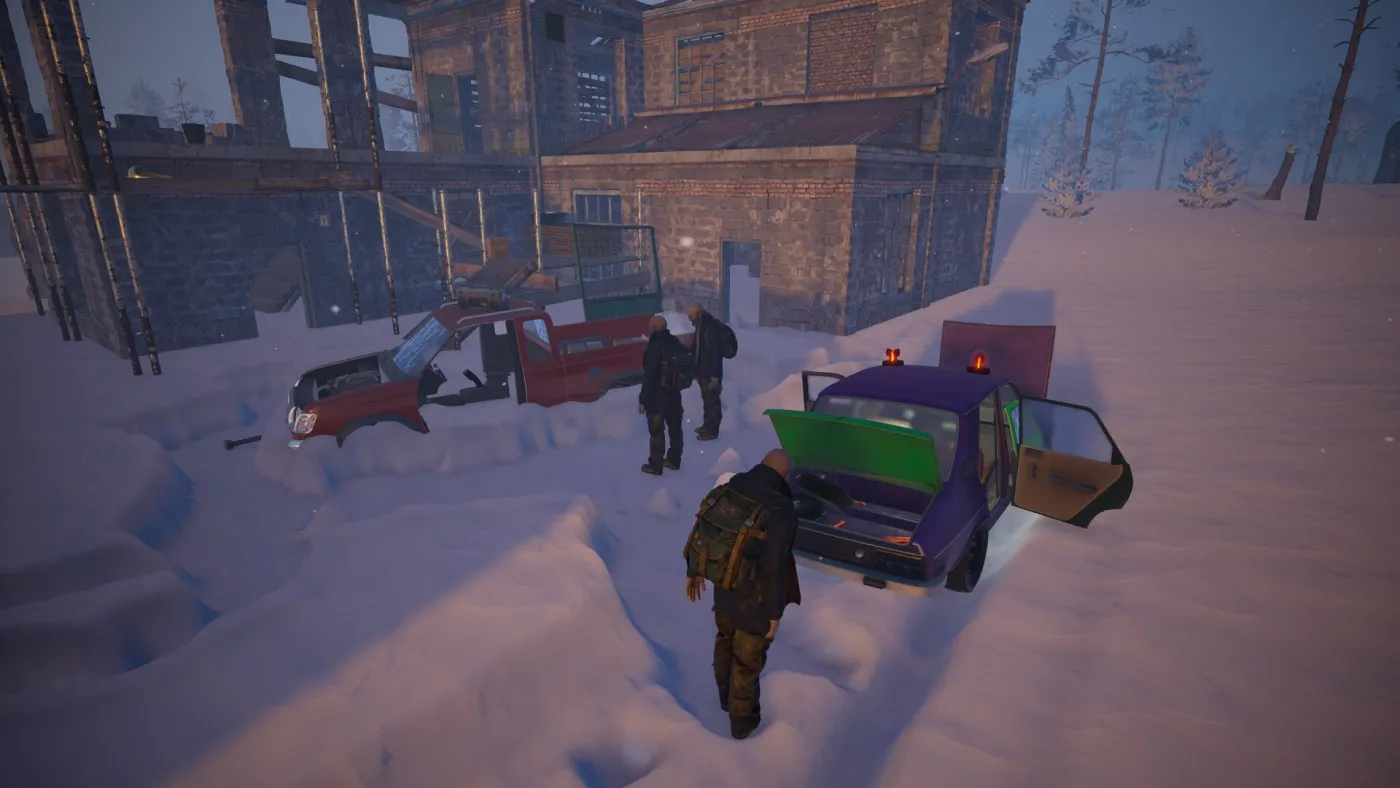
Co-op navigation
- Driver watches the road and the engine temperature.
- Navigator watches the compass and calls landmarks.
- Forager loots the POI while the driver keeps the engine warm.
- Mechanic checks the car and the fuel.
- Do not all leave the car at a POI in a blizzard; one player should keep the heater running.